Launch & Promote workspace
Check eight launch essentials, work through seven launch actions, and build a 30-day promotion calendar around your selected workdays.
Use editable message templates, record results, and reflect on what to repeat.
Launch & Promote helps you turn “I should tell people about this” into a clear next step, useful words, and a promotion rhythm you can keep coming back to.
See what’s includedOne product. One doable step. A lot less starting from scratch.


Maybe you’ve finished a planner, template, guide, or mini-course. You know it could help someone. But deciding what to say, when to say it, and how to keep talking about it keeps sliding down your list.
Let’s give that product a little structure. Start where you are, make one clear invitation, and use what you learn to decide what comes next.
Check eight launch essentials, work through seven launch actions, and build a 30-day promotion calendar around your selected workdays.
Use editable message templates, record results, and reflect on what to repeat.
Follow the setup, choose your starting stage, add your offer details, and find your first useful task without exploring every screen first.
Companion resource included in the completed workbook.
See how one sample digital product becomes a clear offer, a launch plan, and promotional messages you can learn from.
Companion resource included in the completed workbook.
Adapt promotional copy for your own product and use the guide to keep making helpful invitations throughout the month.
Companion resources included in the completed workbook.
Add what it is, who it helps, and the result it supports. Choose “preparing to launch” or “ready to promote.”
Set your dates and workdays. Check your launch essentials or start your promotion plan if your product is already available.
Fill in offer details, replace bracketed prompts, and edit until it sounds like you. Copy your message into your own platform.
Mark your steps, add results, and review what to repeat or change. Export a backup to keep a copy.
You’ll still use your own checkout, email service, and social platforms to sell and share your product.
Use the workspace alongside the walkthrough, worked example, promotional materials, and 30-day guide.
Digital delivery · [CONFIRM DELIVERY METHOD AND REFUND TERMS]
Checkout not connected in this draft.
Editor note: the workspace itself is currently public. Position the paid package around the companion materials and guided implementation, not exclusive app access. Workbook completed; verify buyer delivery before publishing.
No. These are editable templates using your offer details. Replace prompts, check claims, and make the words your own.
No. Nothing is sent, posted, or scheduled from the workspace. Copy finished messages into your own tools.
In the browser you’re using. It does not automatically sync between devices. Use Save & export to keep a backup, and import that backup if you move browsers.
No. Choose your workdays and use the 30-day window for a rhythm that fits. Edit dates or skip actions that don’t fit.
No. It gives you structure and editable materials. Results depend on your offer, audience, message, and follow-through.
You have your plan. If you’d like support putting it into practice, take a look at Just Keep Going Coaching.
Get gentle accountability, coaching, coworking, and a community where you can build your business at a pace that fits your life.
The price increases to $77/month on January 1, 2027.
Coaching is a separate purchase and is not required to use Launch & Promote.
Explore Just Keep Going CoachingEditor note: the live page lists $47/month and $470/year as of November 9, 2026. Verify the current enrollment destination and terms before launch. No grandfathering or lifetime price guarantee is promised.
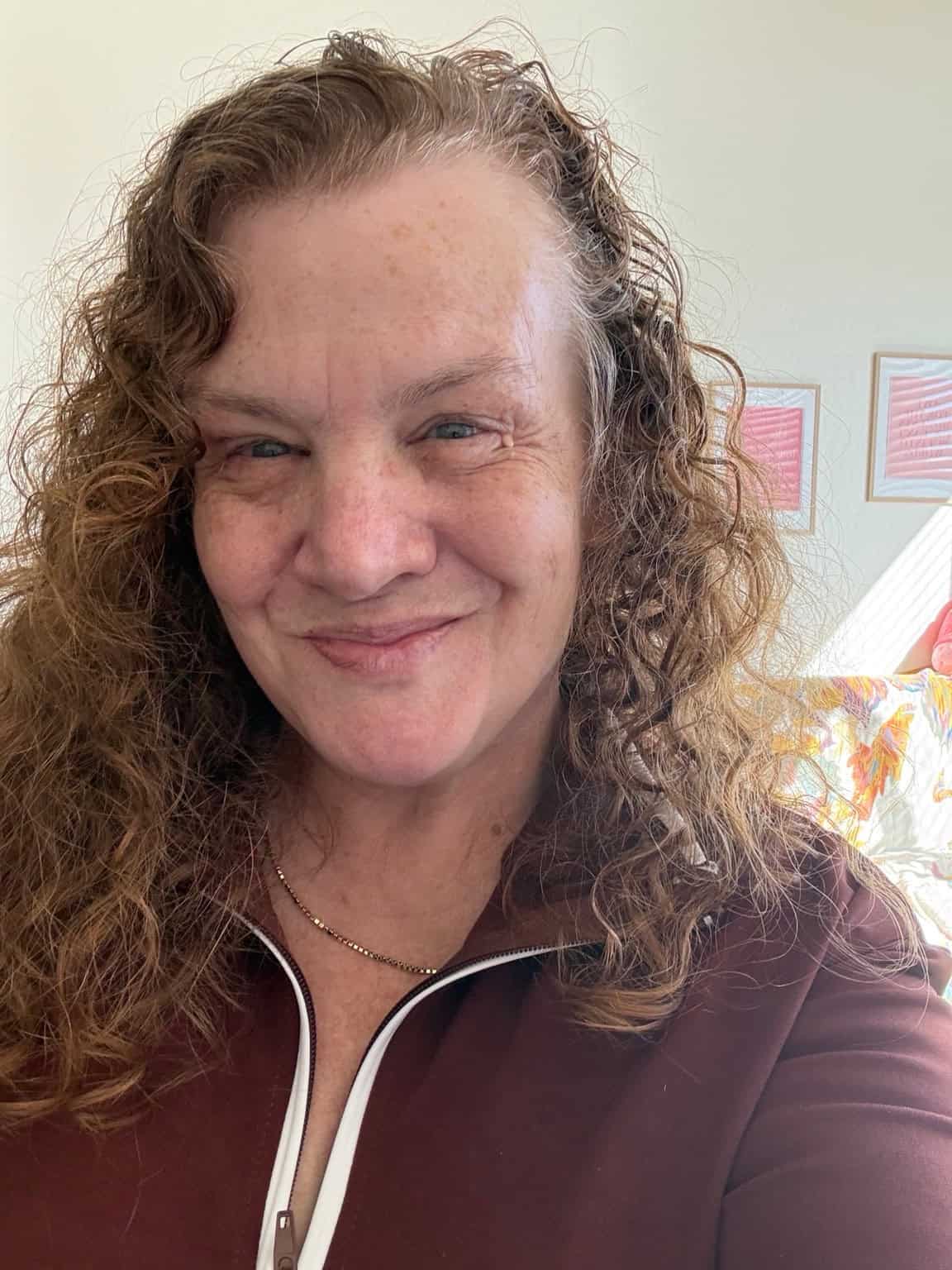
MEET YOUR GUIDE
Hi, I’m Pam Allen. I help creators make digital products and build simple systems to share and sell them.
Through templates, tools, and tutorials, I help you take the next practical step without making everything more complicated. Pick one thing to work on, make it yours, and keep going.
More from Pam Allen